Set up your Instagram automations and get the numbers back, right inside Claude or ChatGPT. No dashboard, no clicking through screens. Just ask.
https://api.trydmflo.com/mcp
Create, edit and delete the keyword links that turn a comment into a DM. Your agent sets the trigger word and the message it sends.
Set up what happens when someone replies to a story, so a sticker tap or a quick reply gets an answer instead of sitting unread.
Put auto-replies in place for the questions that come in over and over, in your voice and in the language the person wrote in.
Ask for the numbers and get them back in the chat: what ran, what replied, what people actually clicked.
Pull the contacts your automations collected, so your agent can hand them to a spreadsheet, a CRM or your next campaign.
MCP access is included from Free upward. Nothing to unlock, nothing extra to pay for.
Both take about a minute. All you need is the DMflo MCP URL.
In Claude, go to Customize › Connectors. On desktop you can also press Ctrl+,; in the browser use your profile icon › Settings, then Connectors in the sidebar.
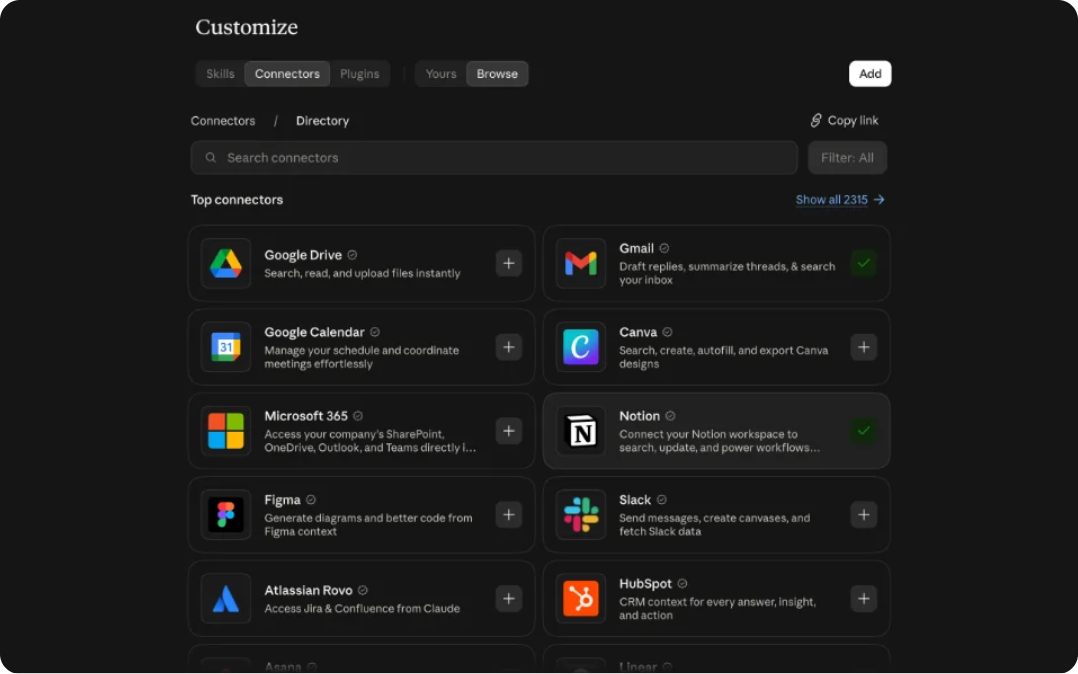
Click + (or Add), then Add custom connector. If Claude asks for a connector type, choose Web.
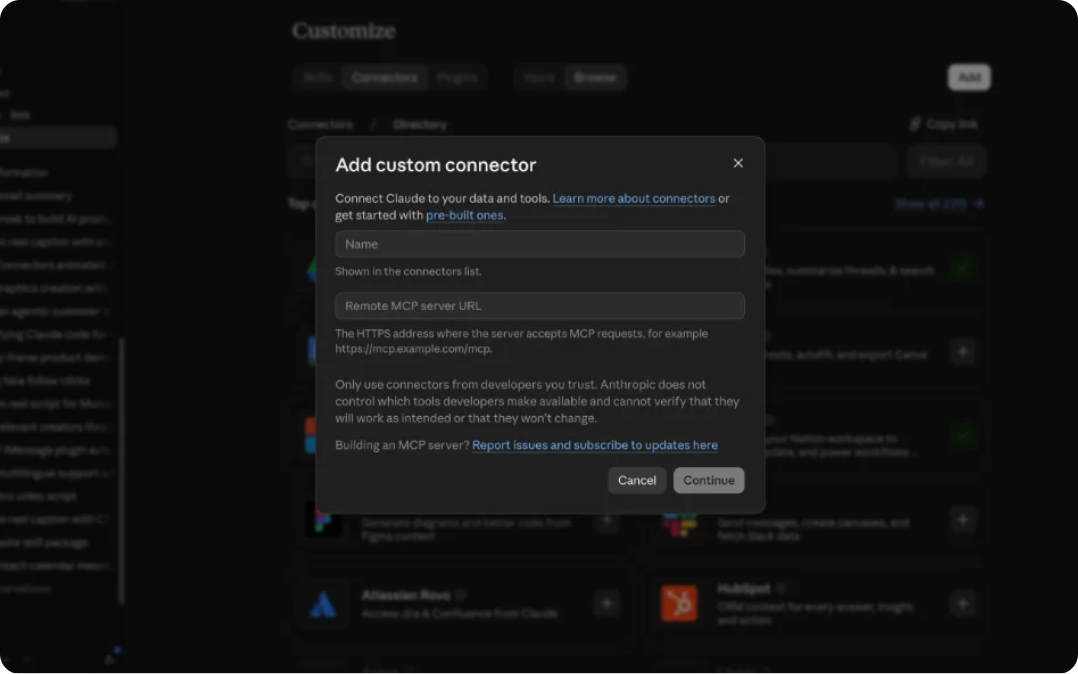
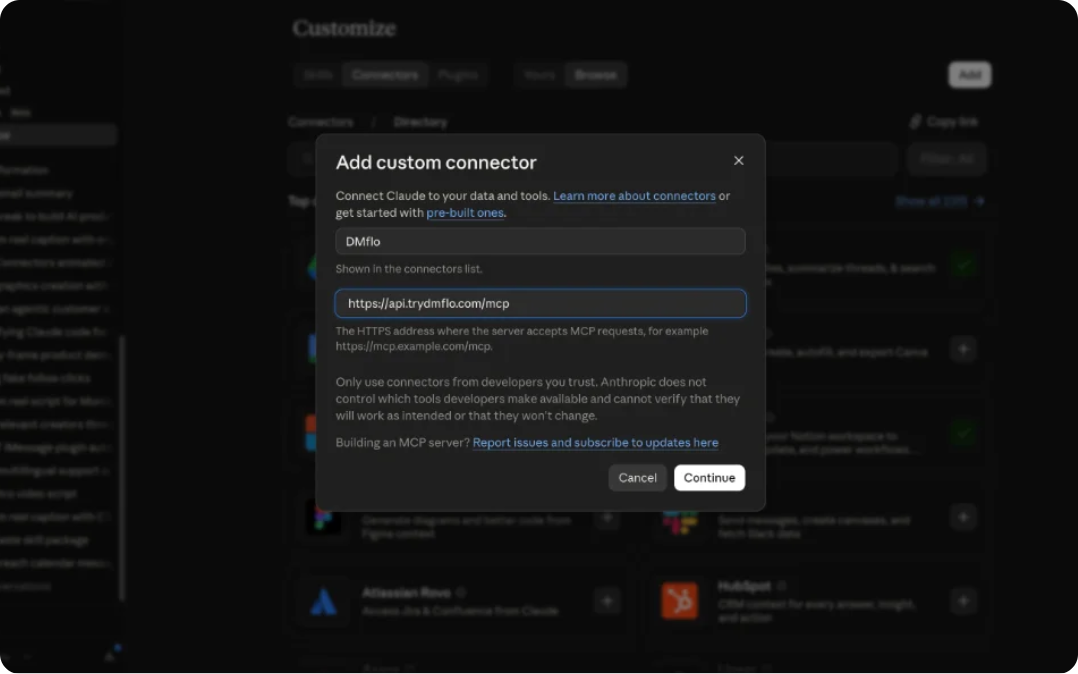
Name it DMflo and paste https://api.trydmflo.com/mcp as the remote MCP server URL, then click Add.
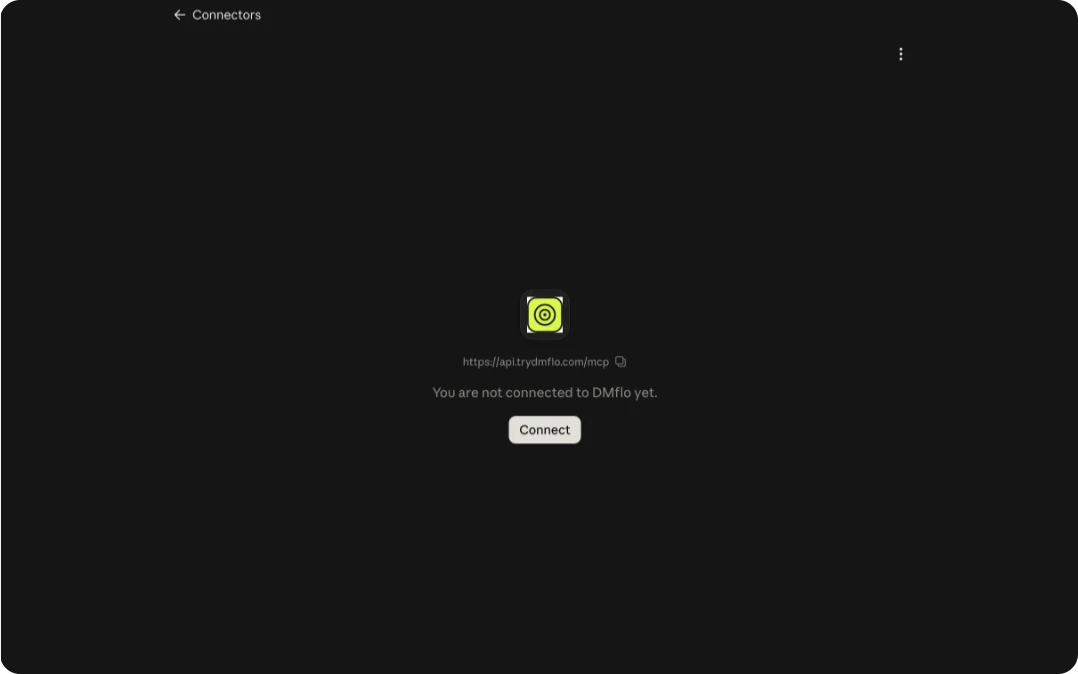
Find DMflo in the Connectors list and click Connect to authorize it with your DMflo account.
Adding a connector doesn’t enable it everywhere. In a conversation, click + › Add connectors and toggle DMflo on.
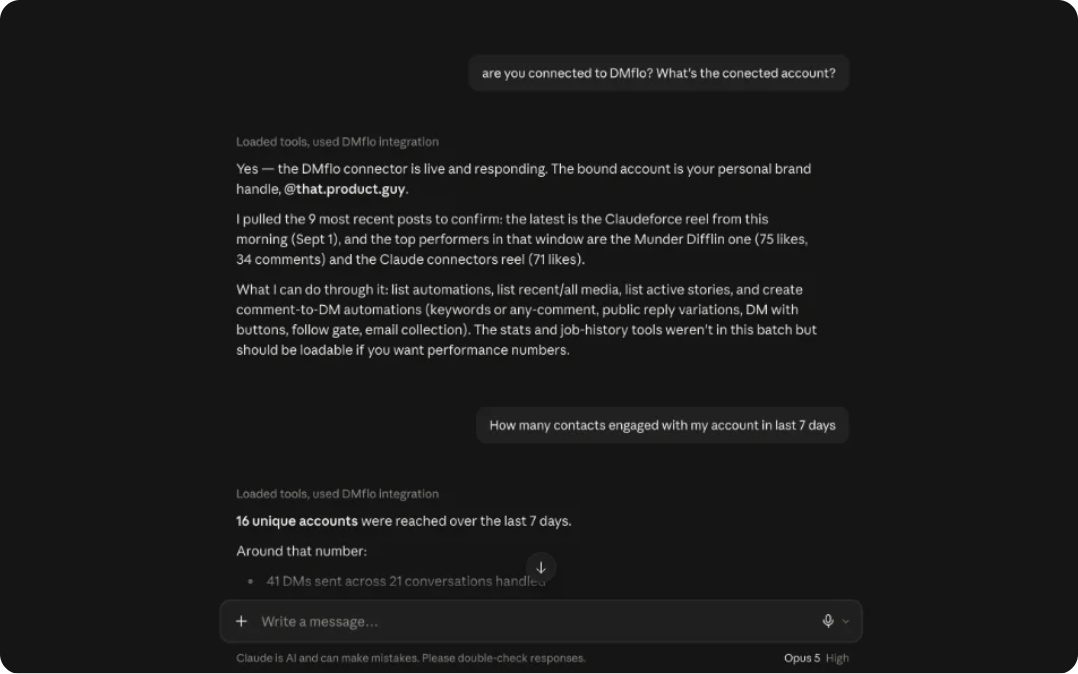
Custom connectors work on Free, Pro, Max, Team and Enterprise, though Free accounts get one custom connector. On Team and Enterprise an Owner adds it first under Organization settings › Connectors, and members then click Connect. Claude’s help article
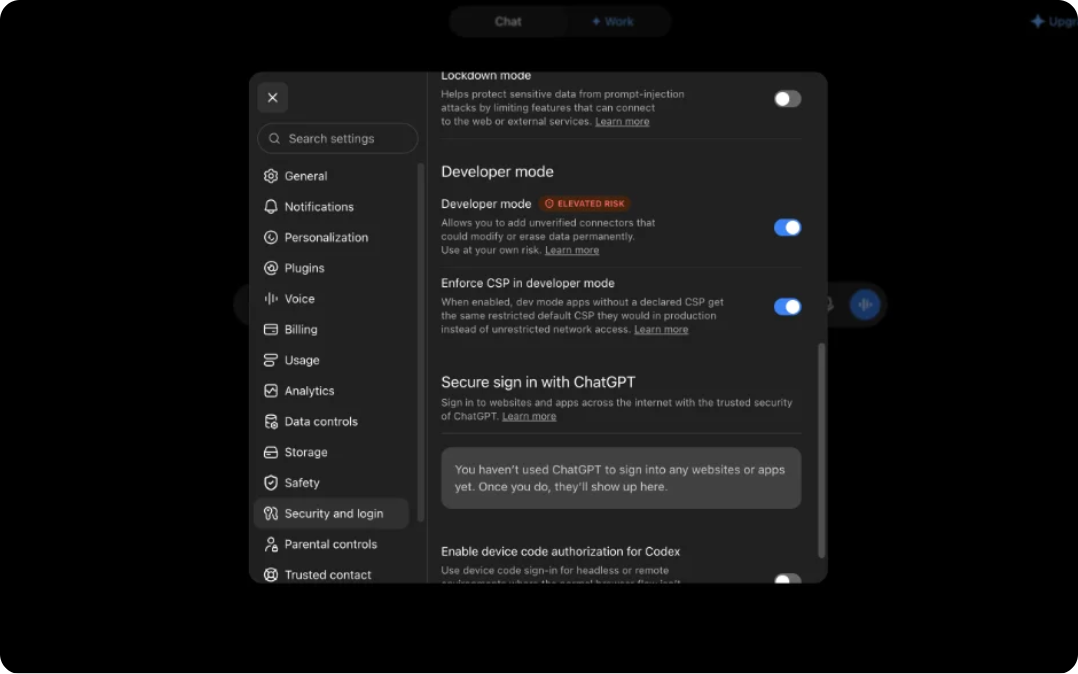
In ChatGPT on the web, open Settings from your profile menu, find the connectors or apps section, open Advanced settings and switch on Developer mode. Custom connectors only appear once it is on.
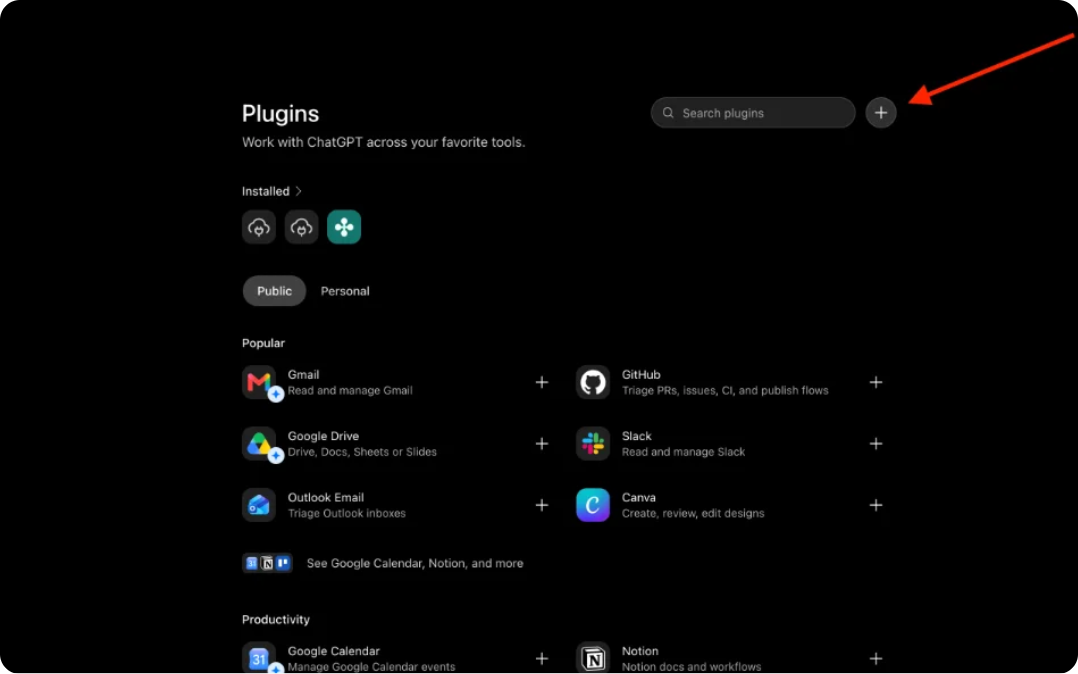
Back in the connectors list, click Create. The button only shows after developer mode is enabled.
Name it DMflo, add a short description, and paste https://api.trydmflo.com/mcp as the MCP server URL. Choose OAuth as the authentication method.
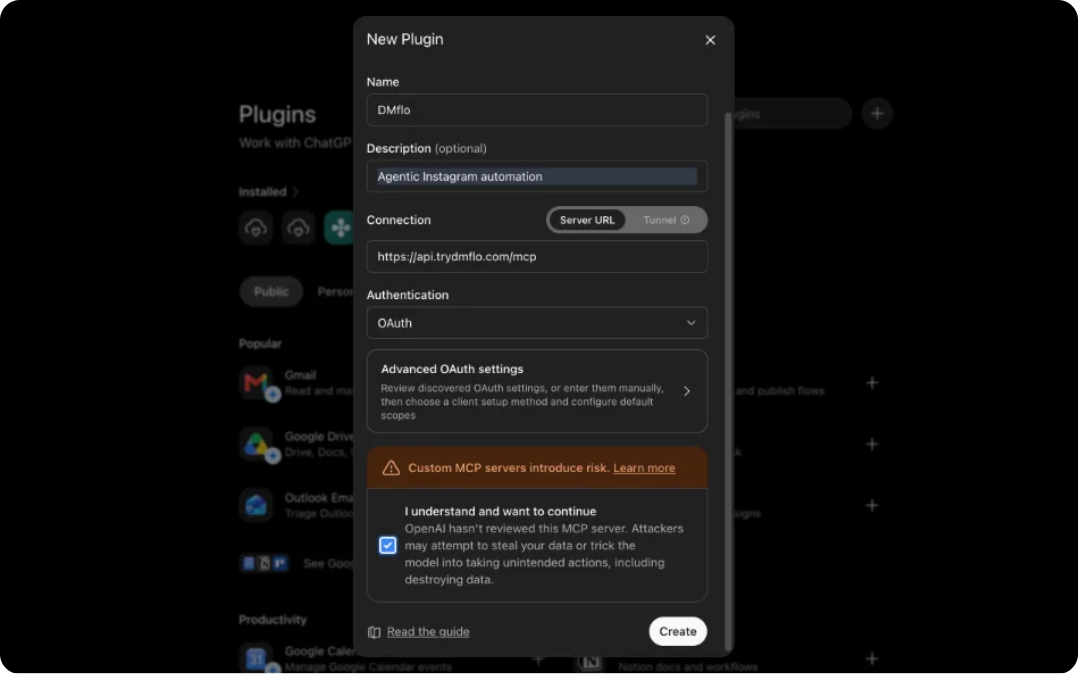
ChatGPT warns you that custom connectors run third-party code on your behalf. Accept, then sign in with your DMflo account.
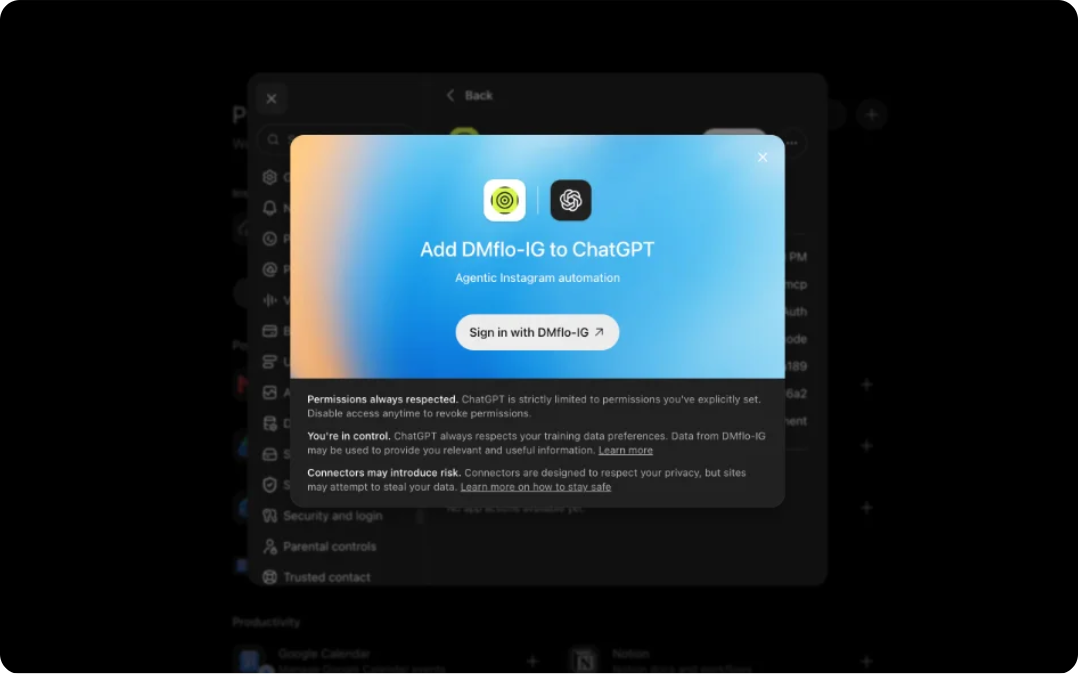
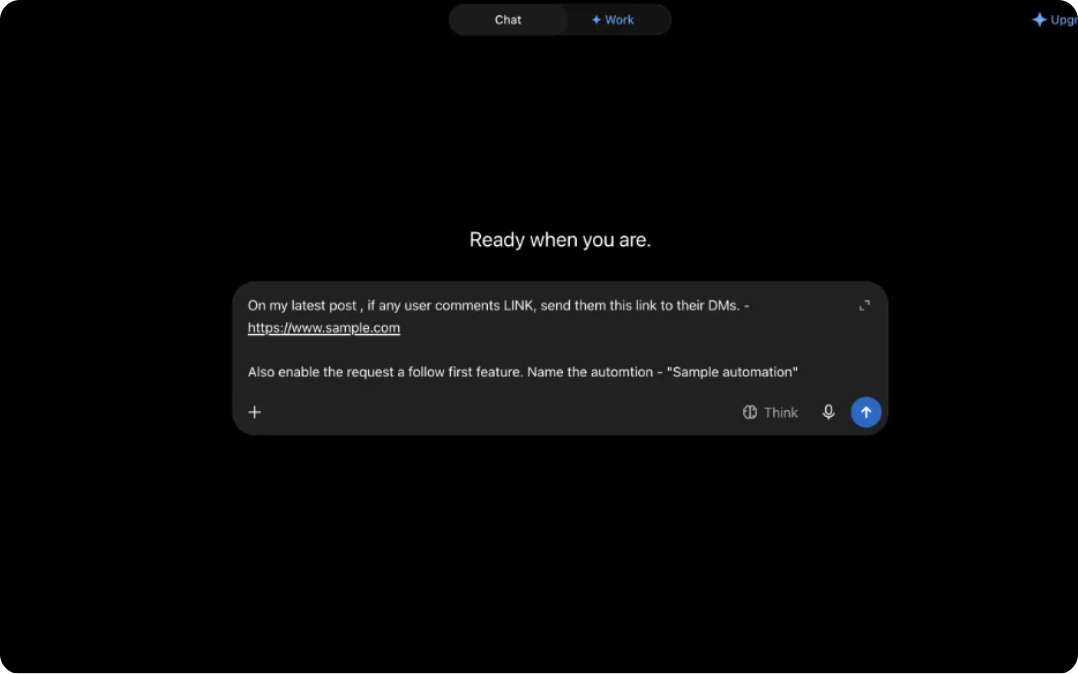
Open the tools menu in a conversation and toggle DMflo on. Your agent can now call the DMflo tools.
Developer mode is available on Plus, Pro, Business and Enterprise/Edu, not on Free. On Business and Enterprise an admin enables it first under Workspace Settings › Permissions & Roles. OpenAI has renamed these screens more than once, so if the paths above don’t match, look for Advanced settings at the bottom of the connectors or apps page. OpenAI’s help article
Drive DMflo from Claude Code alongside the rest of your stack, without writing an integration against another REST API.
If you already live in Claude or ChatGPT, set up your next launch by describing it instead of building it screen by screen.
Spin up the same set of automations across client accounts, and pull the numbers for a report without opening the app.
The MCP is live and included on every plan. Connect it and let Claude do the setup.